
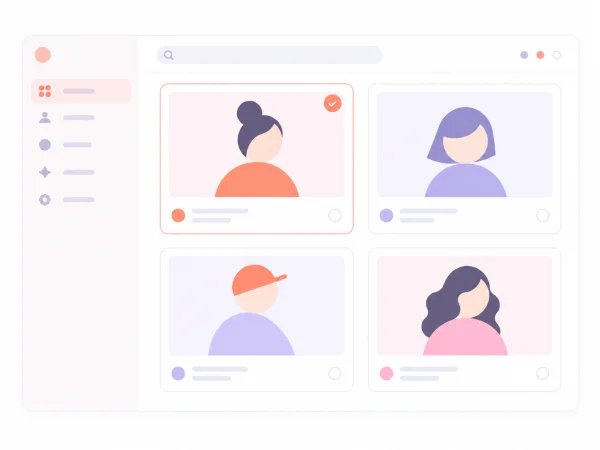
Preset AI avatars for different styles
Choose from ready to use AI avatars with different looks, ages, settings, and energy. Pick one that fits your product and start an AI UGC Video right away.
Meet the workspace
DesignUGC is an AI UGC video creation workspace that helps brands turn product images and creative ideas into realistic, creator-led videos.
Choose an AI avatar or create your own, add a product, and describe the scene, dialogue, and product moments you want. Your direction guides the video from the first idea to the final result.
Keep your avatars, products, and generated videos in one place. Reuse your assets and try different hooks, creators, or settings to build new variations for your next campaign.
AI UGC video workspace
DesignUGC brings AI avatars, products, and generated videos together in one AI UGC video generator. Save a product once, test it with different avatars, and reuse your best avatar and product combinations for new audiences and channels.
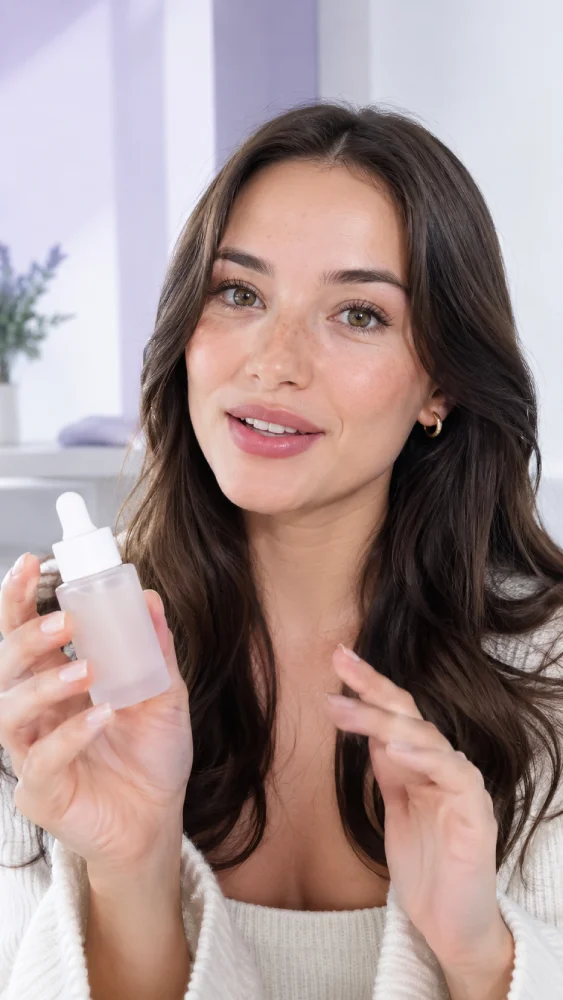
Choose realistic AI avatars with natural expressions and presence, or create your own. Start each AI UGC video with an avatar that fits your product and audience, so it feels authentic from the first frame.
Build an Avatar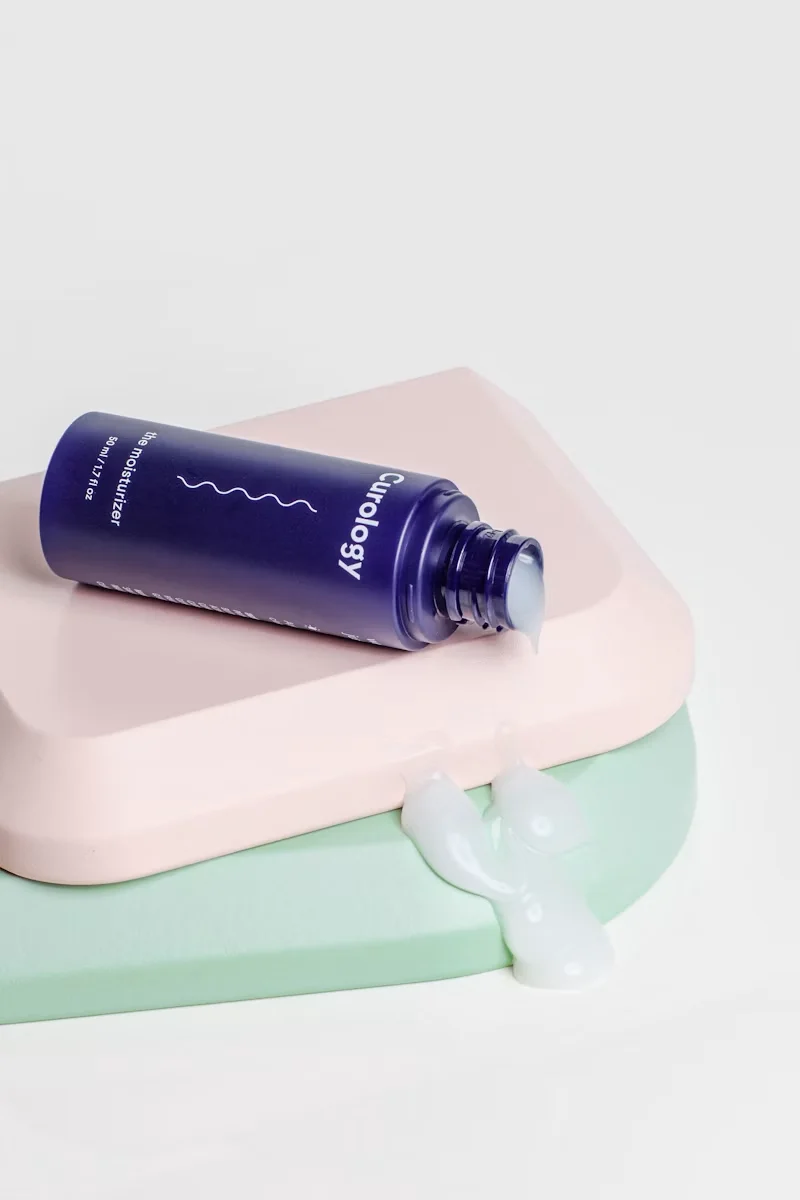
Keep your product library and avatar library ready for the next brief. Reuse a winning combination or try a new direction without starting over. Every AI UGC video stays connected to the assets used to create it.
Explore Library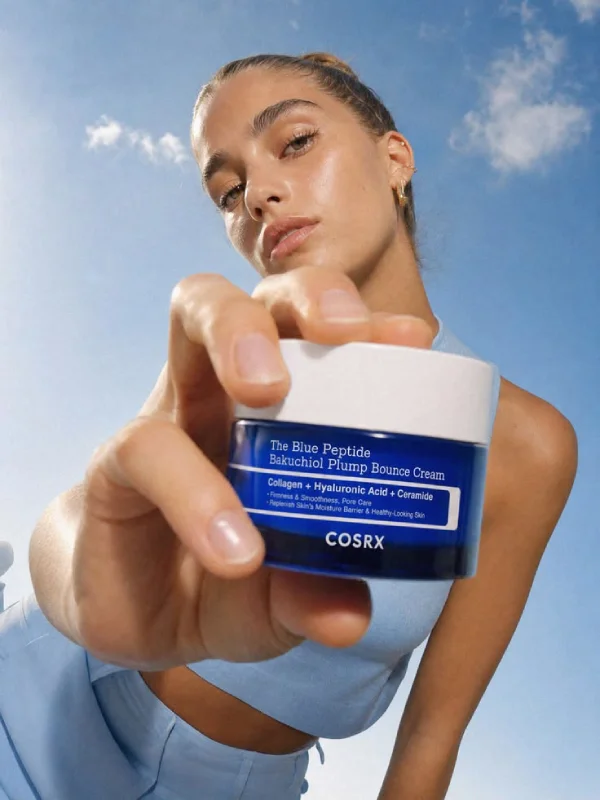
Compare avatars, hooks, settings, and product moments in one place. Keep your AI UGC video workflow flexible and create stronger UGC ads in less time.
Create a UGC Video
Extract product images directly from TikTok Shop, Amazon, Shopify, and other product links. Start your next AI UGC video without manual uploads.
Import a productMeet the AI avatar studio
Pick a preset AI avatar, generate one from a prompt, or shape a unique character from a reference image. Save each AI avatar to your library and reuse the same creator across a whole series of AI UGC Videos.
Choose from ready to use AI avatars with different looks, ages, settings, and energy. Pick one that fits your product and start an AI UGC Video right away.
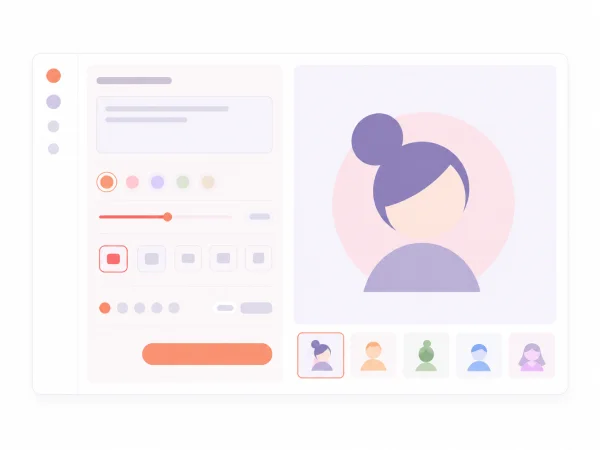
Start from an existing avatar template and describe the changes you want. Your prompt turns it into a new AI avatar made for your brand.
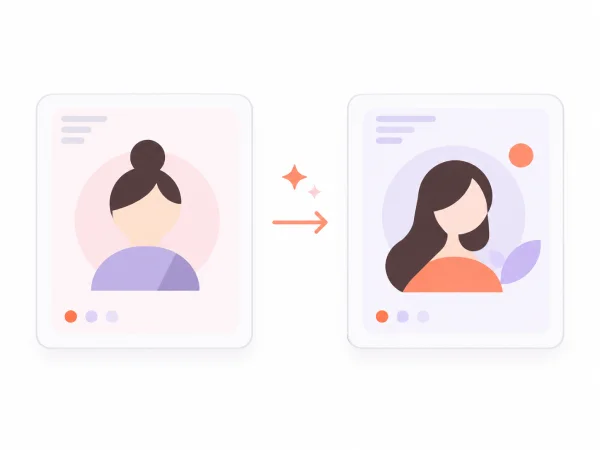
Upload a reference image to capture a unique look, style, or mood. Build a distinctive AI avatar that stays consistent across every AI UGC Video.
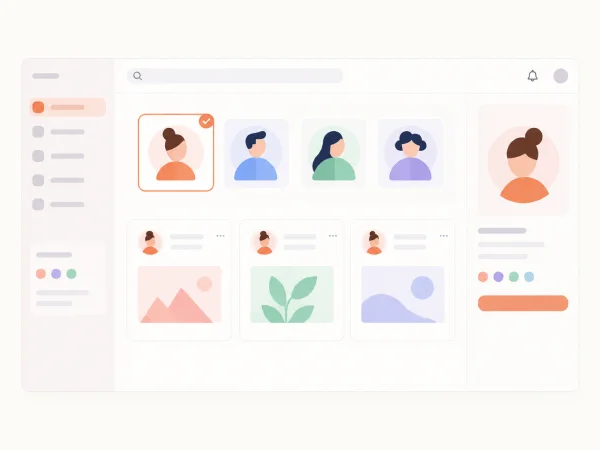
Manage every AI avatar you create in one library. Use the same character again and again to produce a series of AI UGC Videos.
How it works
Turn a product idea into a ready-to-share AI UGC video in four clear steps.
Select a preset creator or build a custom avatar from a prompt or reference image.
Upload or select the product you want to feature and keep the story focused on what you sell.
Describe the hook, scene, product action, camera, pacing, and audience for your video.
Review the result, adjust your assets or prompt, and generate new versions until it is ready to publish.
Made for modern marketing teams
DesignUGC helps teams create realistic UGC videos faster, from the first product brief to the final campaign variation.

Turn product pages and campaign ideas into believable creator videos that show what you sell.
Test hooks, creators, and product moments quickly to find stronger angles for every channel.
Keep avatars, products, and directions organized while producing more concepts for every client brief.
Build a repeatable library of creator-led videos without starting every idea from scratch.
AI UGC video examples
Browse AI UGC video examples across popular ad formats, from unboxing and try-on to handheld demos and selling point stories. Use them as inspiration for your next UGC ad.
Unboxing
Turn your product into a creator-led unboxing video with a natural first reveal that keeps viewers watching.
UGC Try-On
Pair an AI avatar with your product in a natural try-on video, so viewers can picture it in their own routine.
Handheld Product
Generate close, handheld product videos that make features and details feel immediate and easy to understand.
Selling Points
Describe your strongest product benefits and generate a clear, creator-led video built for TikTok, Reels, and Shorts.
An AI UGC video generator turns a product image and a short brief into a creator-style video with an AI avatar. DesignUGC adds reusable avatar and product libraries for faster UGC ad variations.
Yes. Choose a preset AI avatar or describe a person with a text prompt. Add an image reference to guide a new Avatar, save it, and reuse it in another AI UGC Video.
Yes. Save product images, then pair a Product with different Avatars and prompts to explore creative directions without uploading it again.
DesignUGC supports AI image and video models, including Seedance 2.5, Nano Banana Pro, and GPT Image 2.5. Available models may change as the platform grows.
Describe the hook, person, setting, product action, camera, pacing, and audience. Specific direction makes creative testing more useful.
Yes. Keep the Product and try another Avatar, opening line, setting, or model. Review each AI UGC Video for product accuracy, claims, permissions, and platform requirements before publishing.